VV KioskVV Kiosk
VV KIOSK

Set up the device step by step.

Follow the steps in order. No technical knowledge is required.

1

Back up important data

If the device has been used, back up photos, contacts and other important data.

2

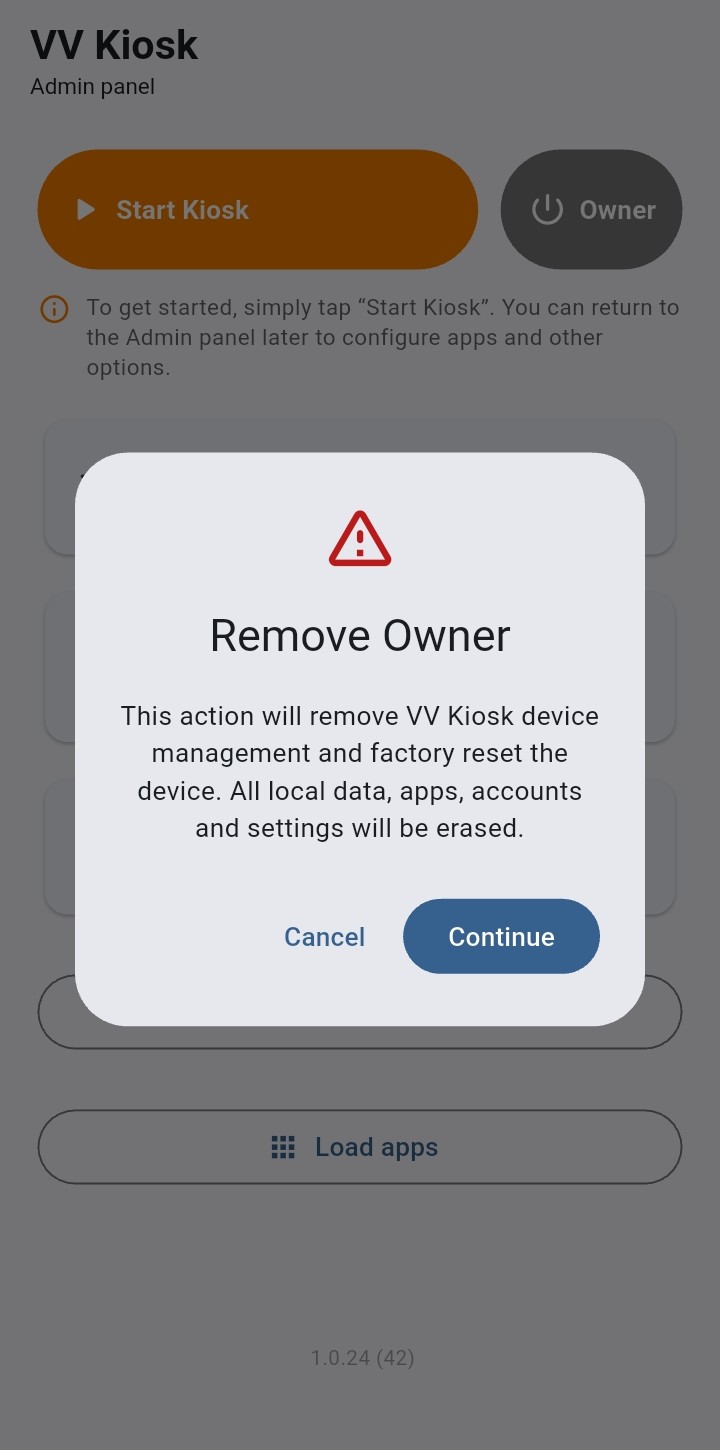
Factory reset the device

For full dedicated-device setup, the device must be new or factory reset.

3

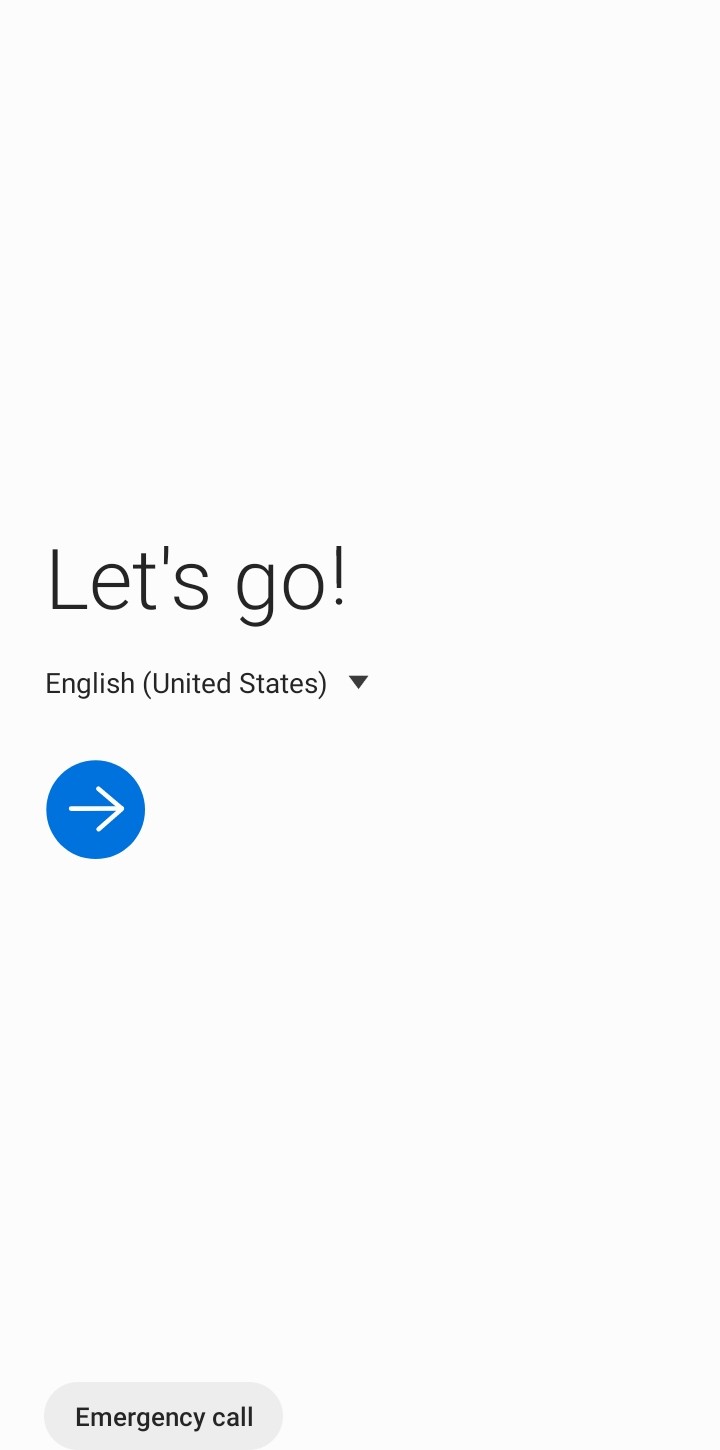
Start Android setup

On the initial Android screen, start dedicated-device provisioning using the instructions shown here.

4

Connect to Wi‑Fi

Connect the device to the Internet for initial VV Kiosk download and activation.

5

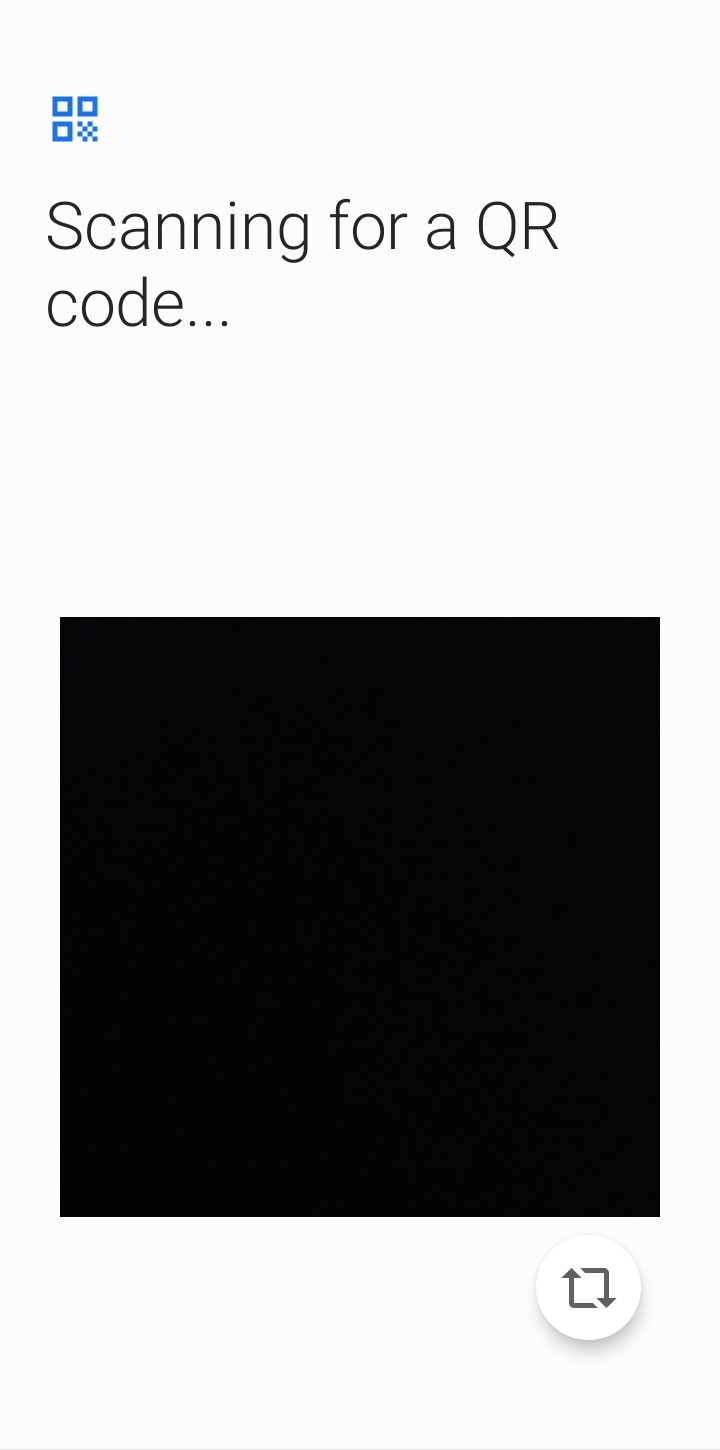
Scan the setup code

Scan the VV Kiosk QR code from another phone, computer or a printed copy.

6

Enter the license

After installation, enter the license code received with your purchase.

7

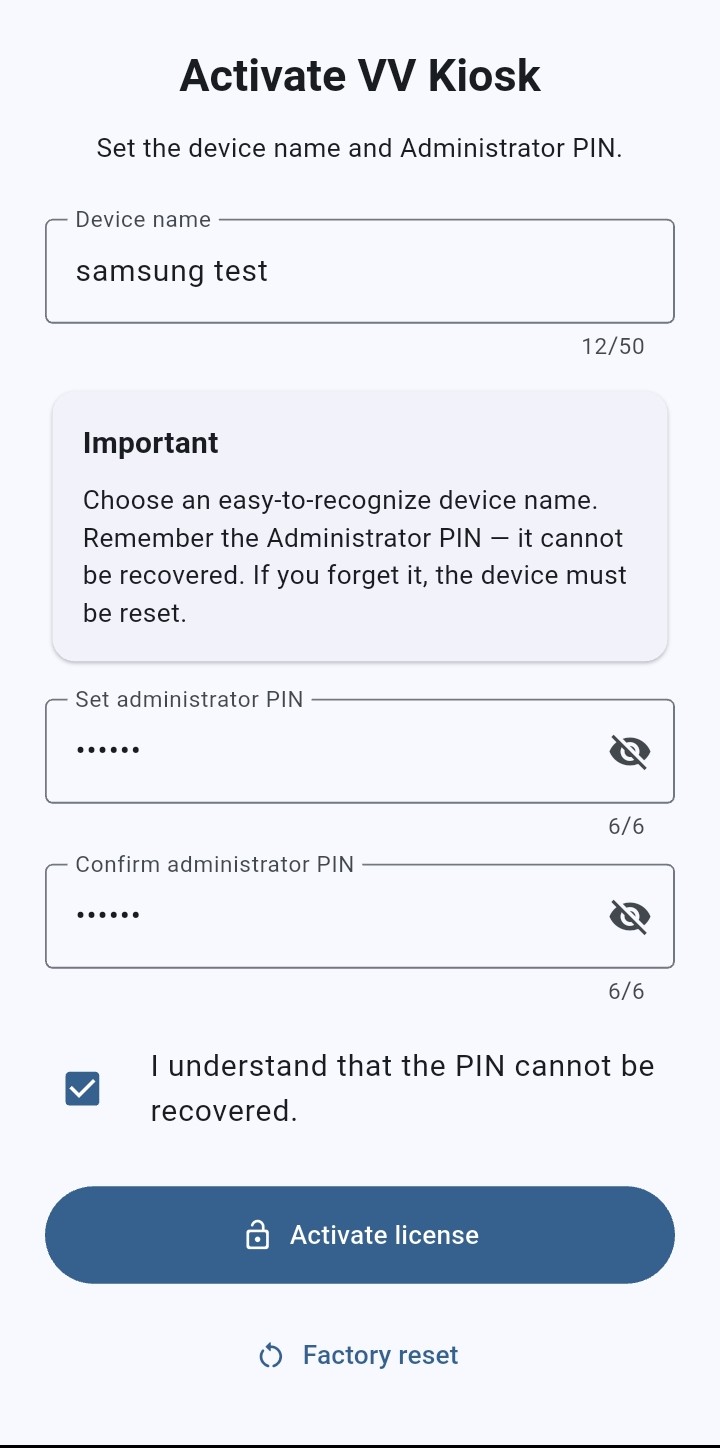
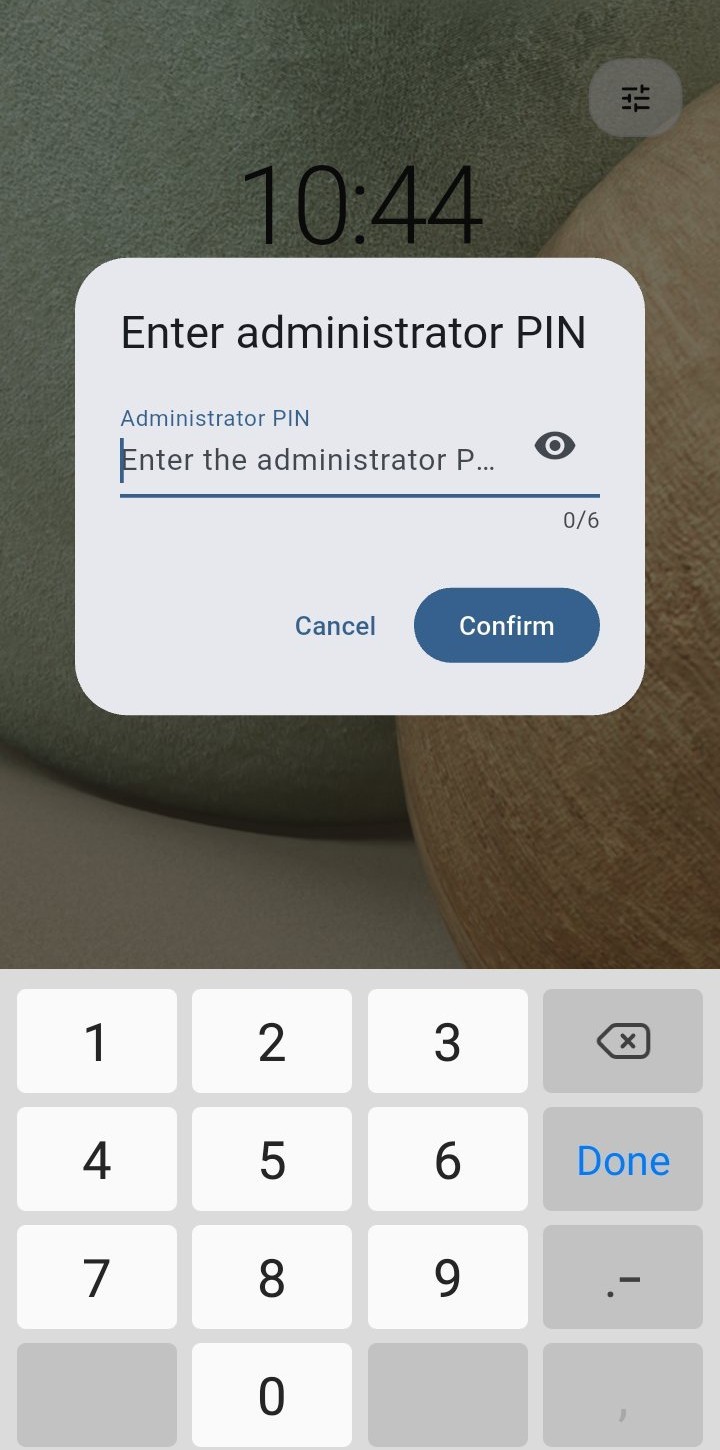
Set the Administrator PIN

Choose the PIN used to access administrative settings.

8

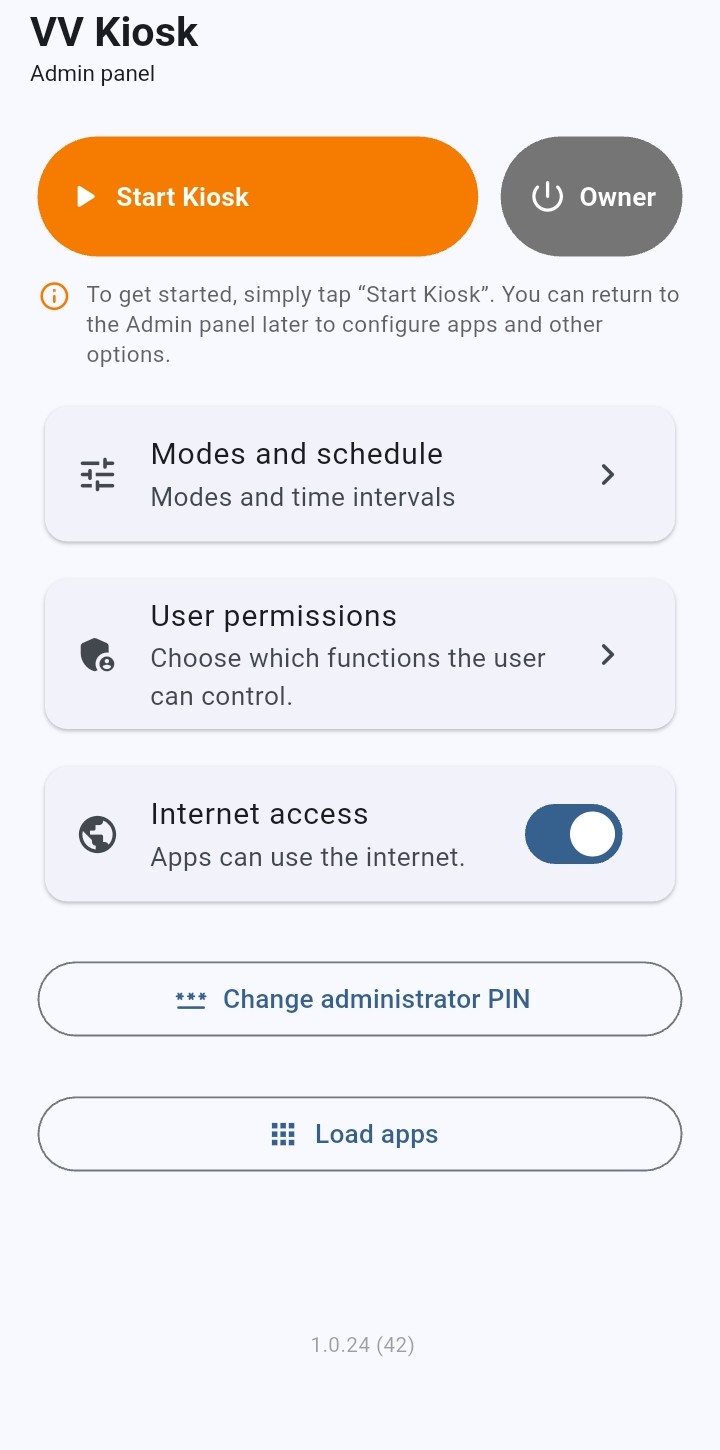
Finish setup

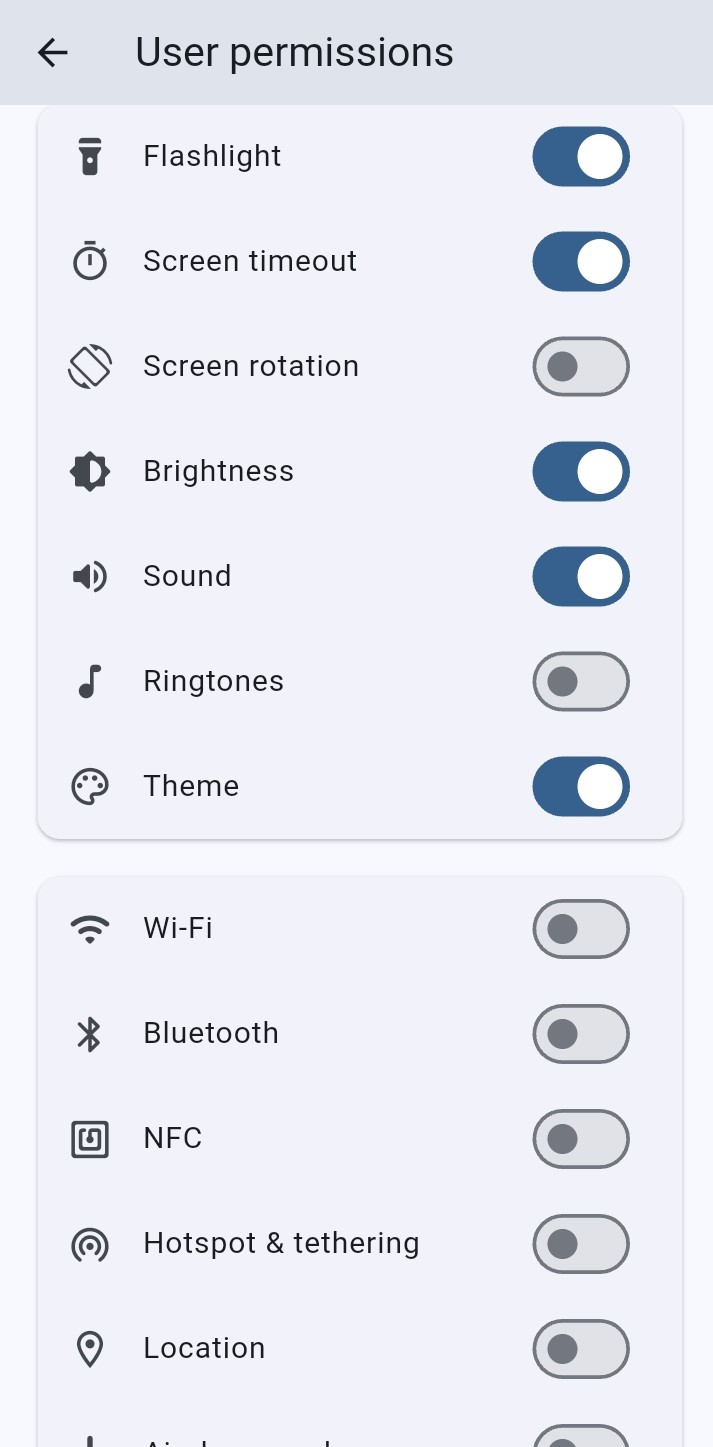
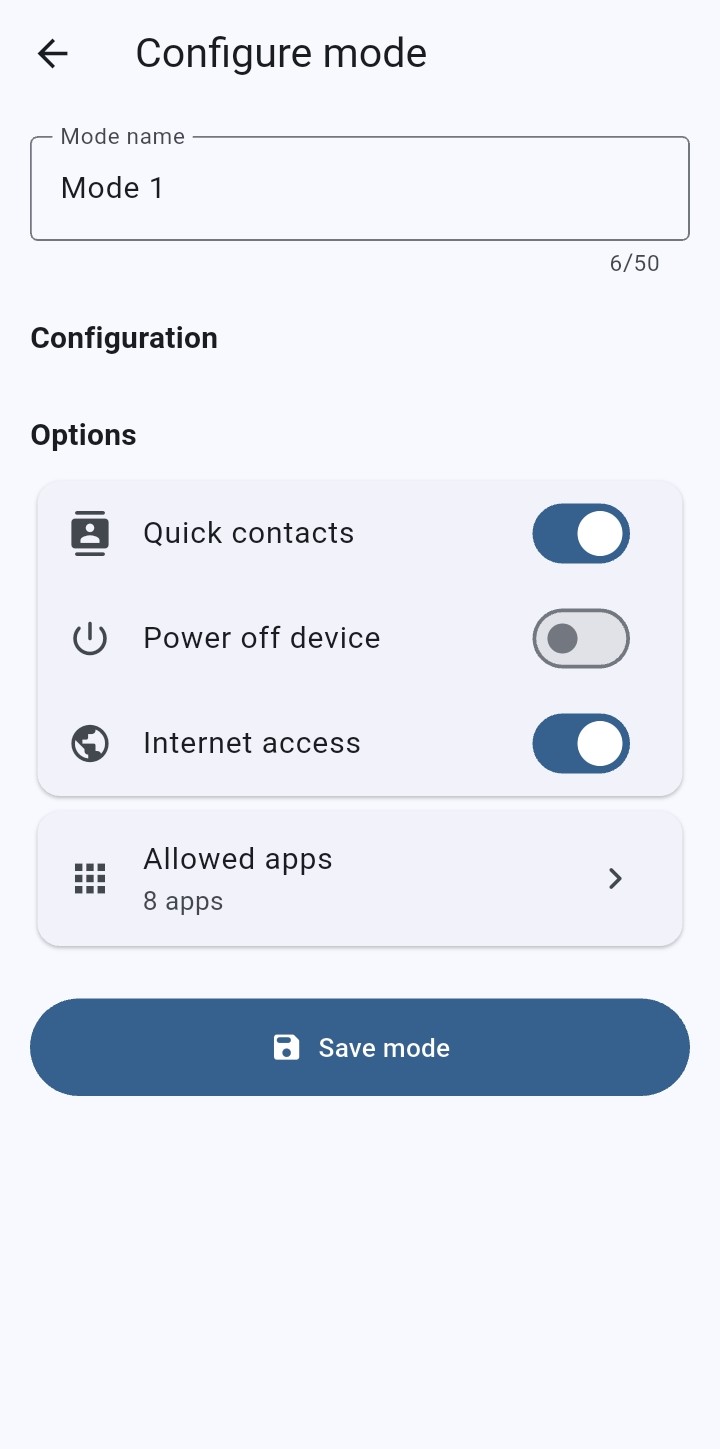
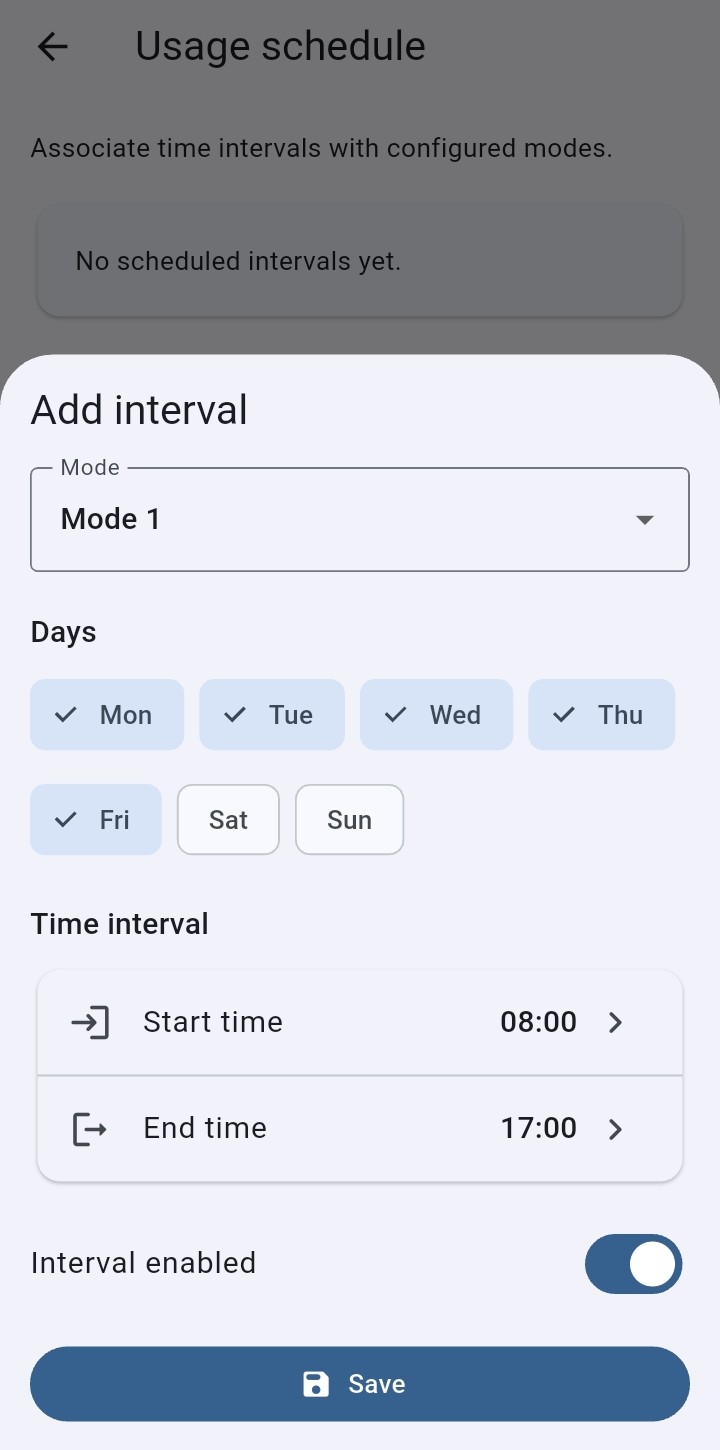
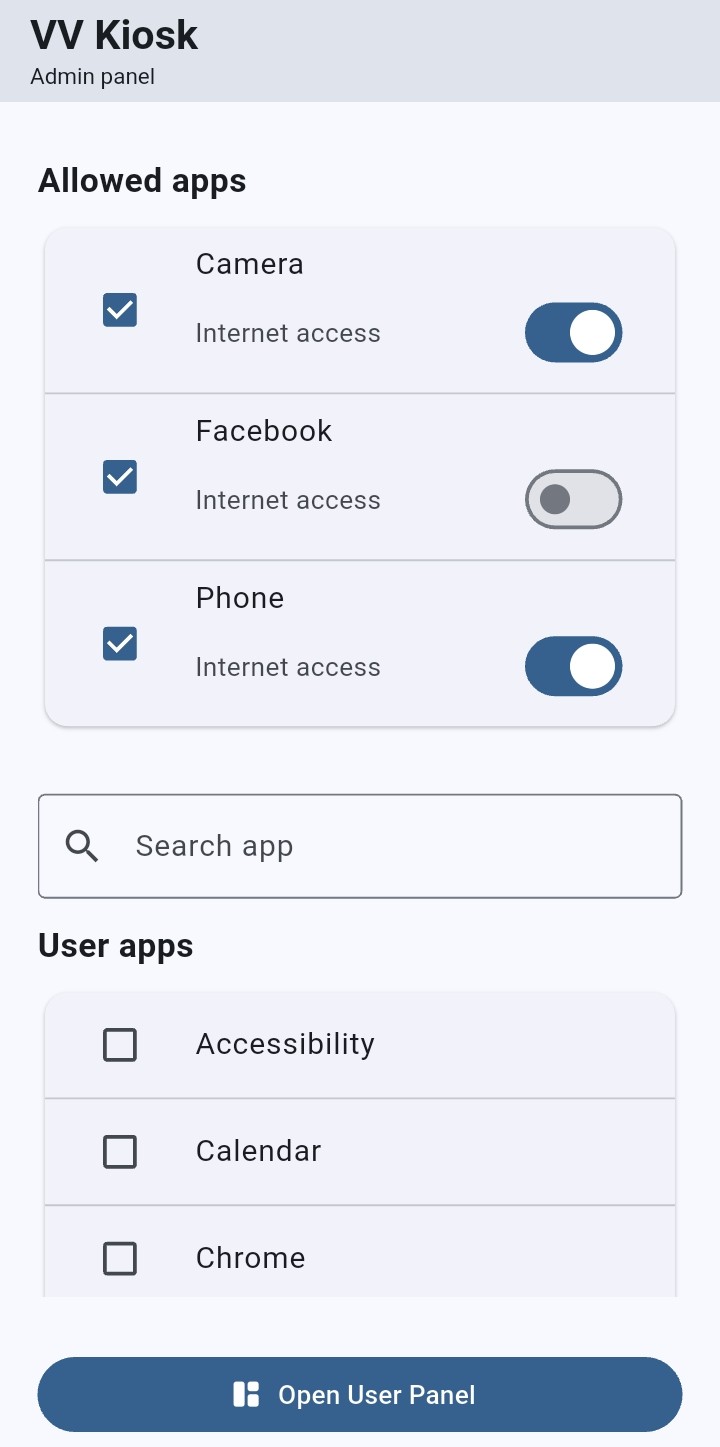
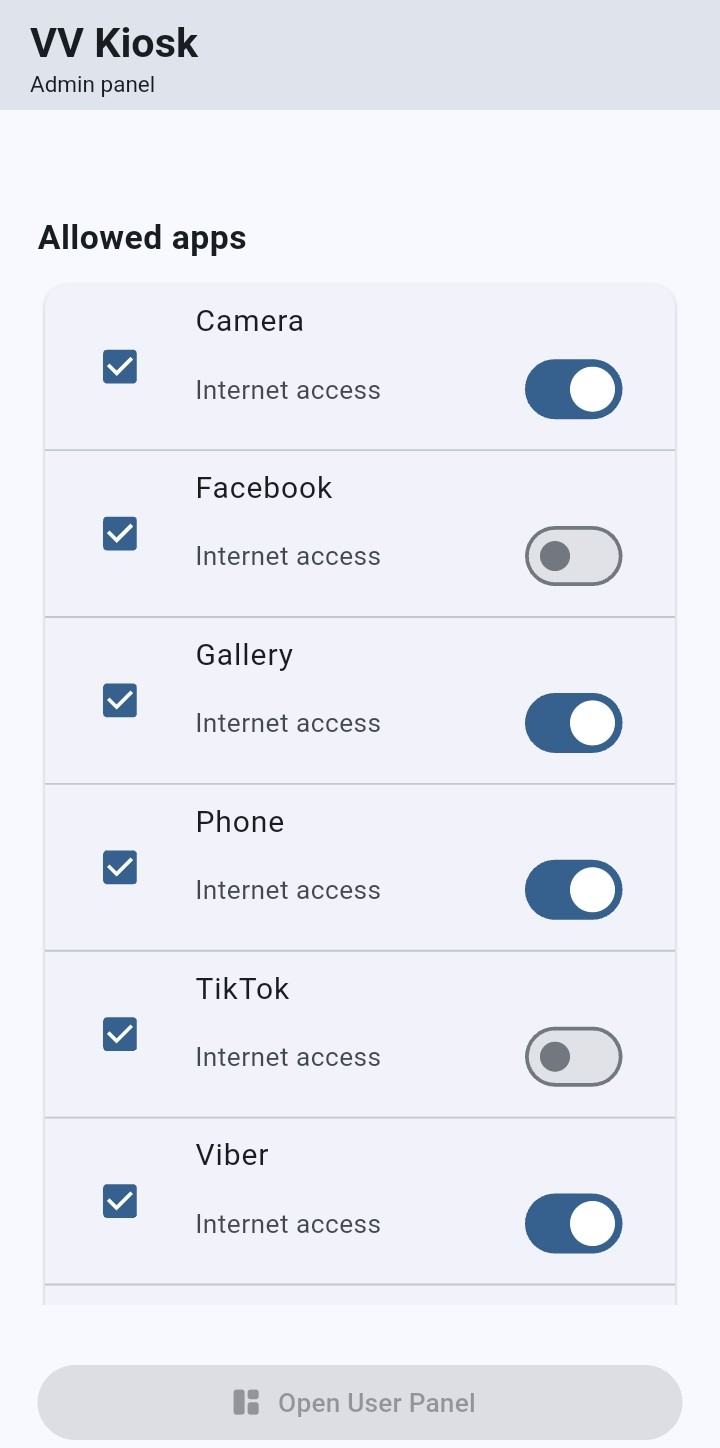
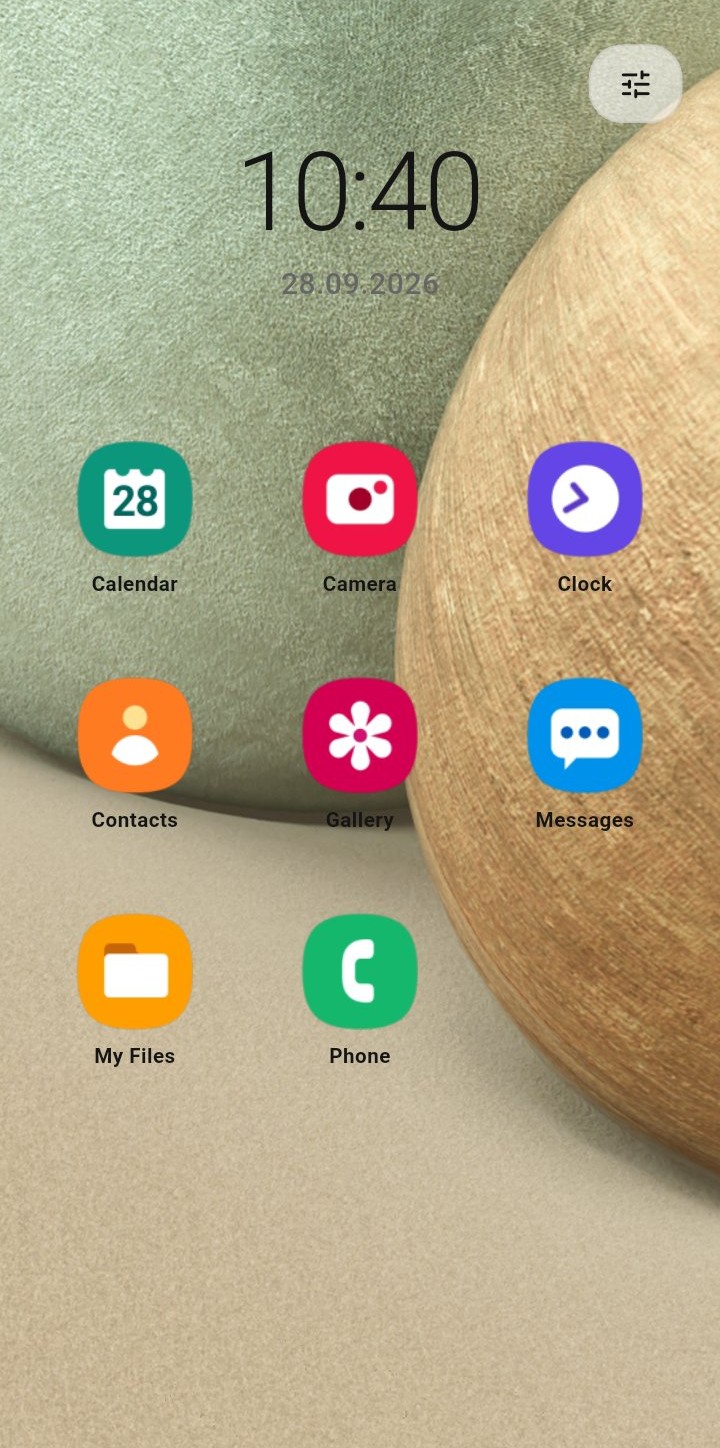
Choose allowed apps, modes and user access, then activate Kiosk.

The setup QR code will appear here after the commercial flow and public provisioning build are finalized.